
BPSSC ASI Admit Card 2026 Out – Download Hall Ticket
BPSSC ASI (Operation) Admit Card 2026 Released – Download Hall Ticket
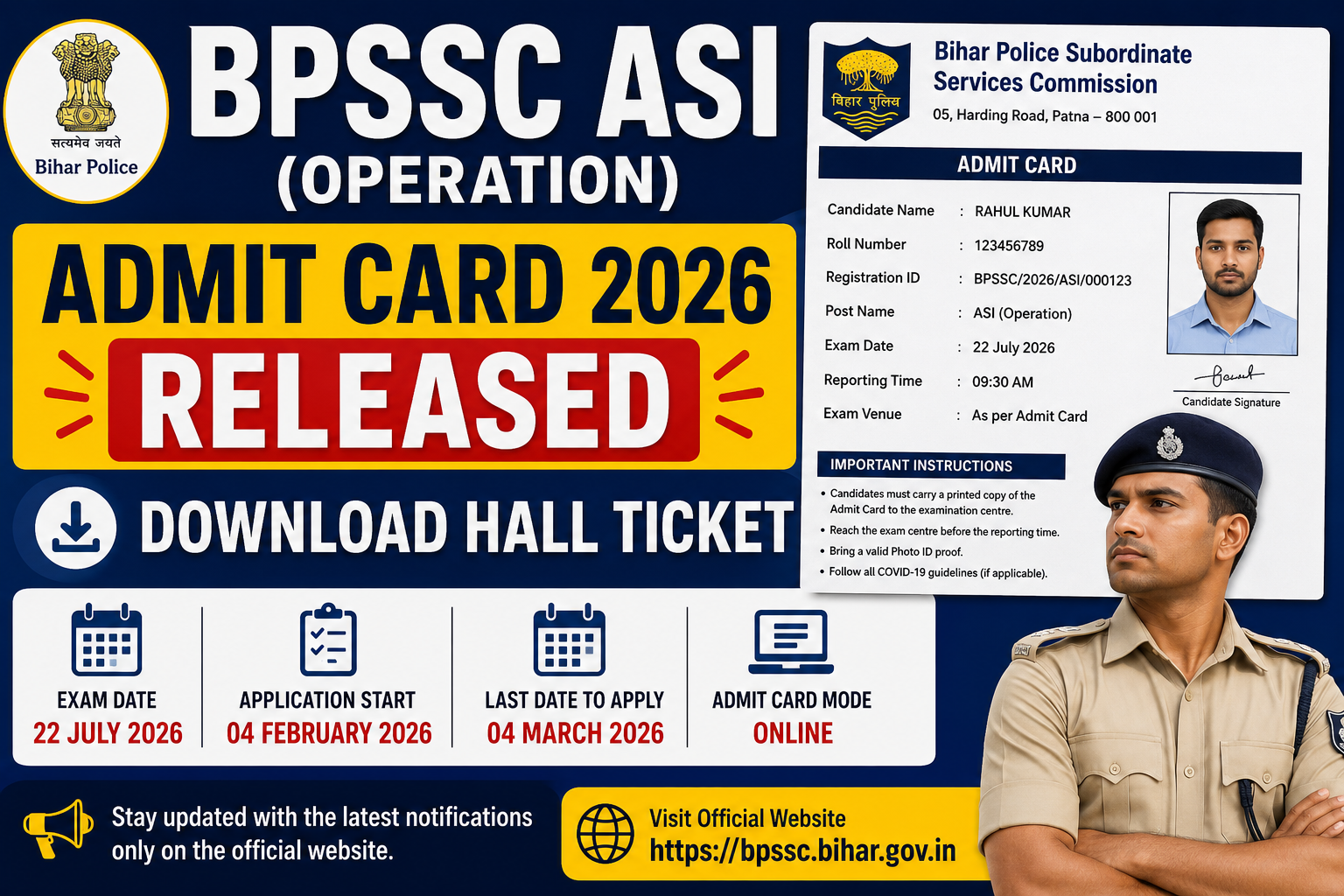
The Bihar Police Subordinate Services Commission (BPSSC) has officially released the BPSSC ASI (Operation) Admit Card 2026 on its official website. Candidates who have successfully applied for the Assistant Sub Inspector (Operation) recruitment can now download their admit cards online. The written examination is scheduled to be held on 22 July 2026. The online application process was conducted from 04 February 2026 to 04 March 2026. Candidates are advised to download their admit card well before the exam date and verify all the details mentioned on it.
Bihar Police BPSSC ASI (Operation) Admit Card 2026 – Out

Jobyaari.com
Bihar Police BPSSC ASI (Operation) Examination 2026
Particulars |
Details |
|---|---|
Organization |
Bihar Police Subordinate Services Commission (BPSSC) |
Post Name |
Assistant Sub Inspector (ASI) – Operation |
Article Name |
BPSSC ASI (Operation) Admit Card 2026 |
Category |
Admit Card |
Admit Card Status |
Released |
Exam Date |
22 July 2026 |
Application Start Date |
04 February 2026 |
Last Date to Apply |
04 March 2026 |
Mode of Exam |
Written Examination |
Mode of Admit Card |
Online |
Official Website |
bpssc.bihar.gov.in |
Bihar Police BPSSC ASI (Operation) Important Dates
Online Apply Start Date |
04 February 2026 |
Online Apply Last Date |
04 March 2026 |
Last Date For Fee Payment |
04 March 2026 |
Exam Date |
22 July 2026 |
Admit Card |
07 July 2026 Available Now |
Result Date |
Will Be Updated Here Soon |
How To Check and Download Admit Card Bihar Police BPSSC ASI (Operation) 2026
- Visit the official Bihar Police Subordinate Services Commission (BPSSC) website.
- Go to the “Latest Notices” or “Download Admit Card” section.
- Click on the “BPSSC ASI (Operation) Preliminary Admit Card 2026” link.
- Enter your Registration Number/Mobile Number, Date of Birth/Password, and the Captcha Code.
- Click on the Login/Submit button.
- Your Preliminary Exam Admit Card will appear on the screen.
- Verify all the details, including your Name, Roll Number, Exam Date, Exam Time, and Exam Centre.
- Download the admit card and take a clear printout for future use.
- Carry the printed Admit Card along with a valid original Photo ID Proof to the examination centre.
- Follow all the exam-day instructions mentioned on the admit card carefully.