
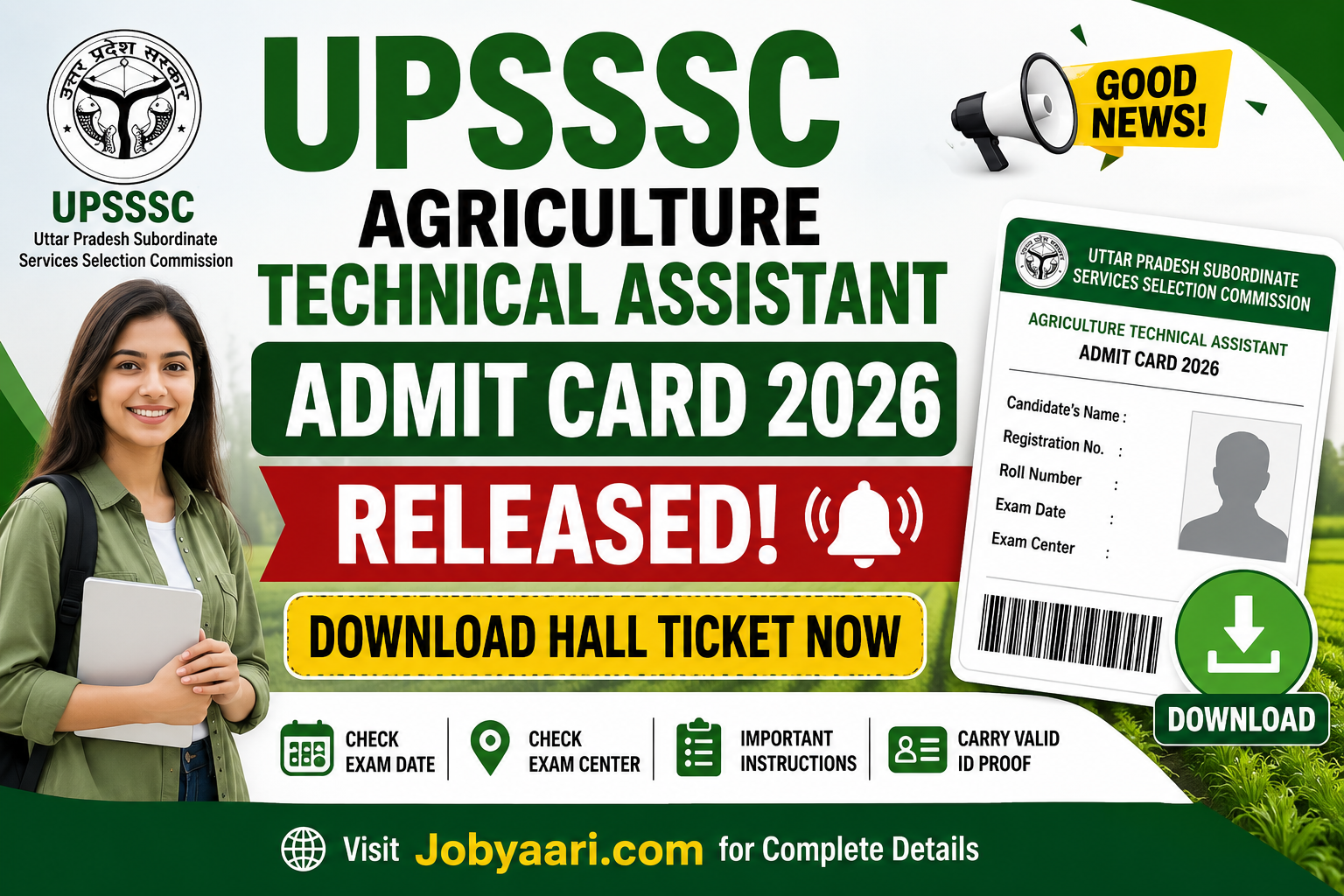
UPSSSC Agriculture Technical Assistant Admit Card 2026 Released – Download Now
UPSSSC Agriculture Technical Assistant Admit Card 2026 Released – Download Hall Ticket Now
The Uttar Pradesh Subordinate Services Selection Commission (UPSSSC) has issued the Exam City and Admit Card details for the Agriculture Technical Assistant (AGTA) Group C Recruitment 2026. This recruitment drive aims to fill 2,759 Technical Assistant (Group C) vacancies in the Agriculture Department of Uttar Pradesh, making it an excellent opportunity for candidates seeking a government job in the state.
Only candidates who qualified the UPSSSC PET 2025 were eligible to apply. The official recruitment notification (Advt. No. 06-Exam/2026) was published on 24 March 2026, while the online application process was conducted from 22 May to 11 June 2026. Now, the UPSSSC AGTA Admit Card 2026 has been released on 5 August 2026, allowing eligible candidates to download their hall ticket and check their exam city details before the examination.
UPSSSC Agriculture Technical Assistant (AGTA) Group C Recruitment 2026

Jobyaari.com
UPSSSC Agriculture Technical Assistant (AGTA) Group C Recruitment 2026: Important Dates
Official Notification Released |
24 March 2026 |
Online Application Begins |
22 May 2026 |
Last Date to Submit Application |
11 June 2026 |
Last Date to Pay Application Fee |
11 June 2026 |
Application Correction Window Closes |
18 June 2026 |
Exam City Details Available |
01 August 2026 |
Admit Card Released |
05 August 2026 |
Written Examination |
09 August 2026 |
How to Check & Download UPSSSC AGTA Admit Card 2026
Candidates can easily download their UPSSSC Agriculture Technical Assistant (AGTA) Group C Admit Card 2026 by following the steps below:
- Visit the official UPSSSC website.
- On the homepage, click on the "AGTA Group C Admit Card 2026" or "Download Admit Card" link.
- Enter your Registration Number, Date of Birth, Gender, and the Captcha Code.
- Click on the Submit button.
- Your admit card will be displayed on the screen.
- Carefully verify all the details, including your name, photograph, exam date, exam city, exam centre, and reporting time.
- Download the admit card and take a clear printout for future use.
- Carry the printed admit card along with a valid photo ID proof to the examination centre on the day of the exam.